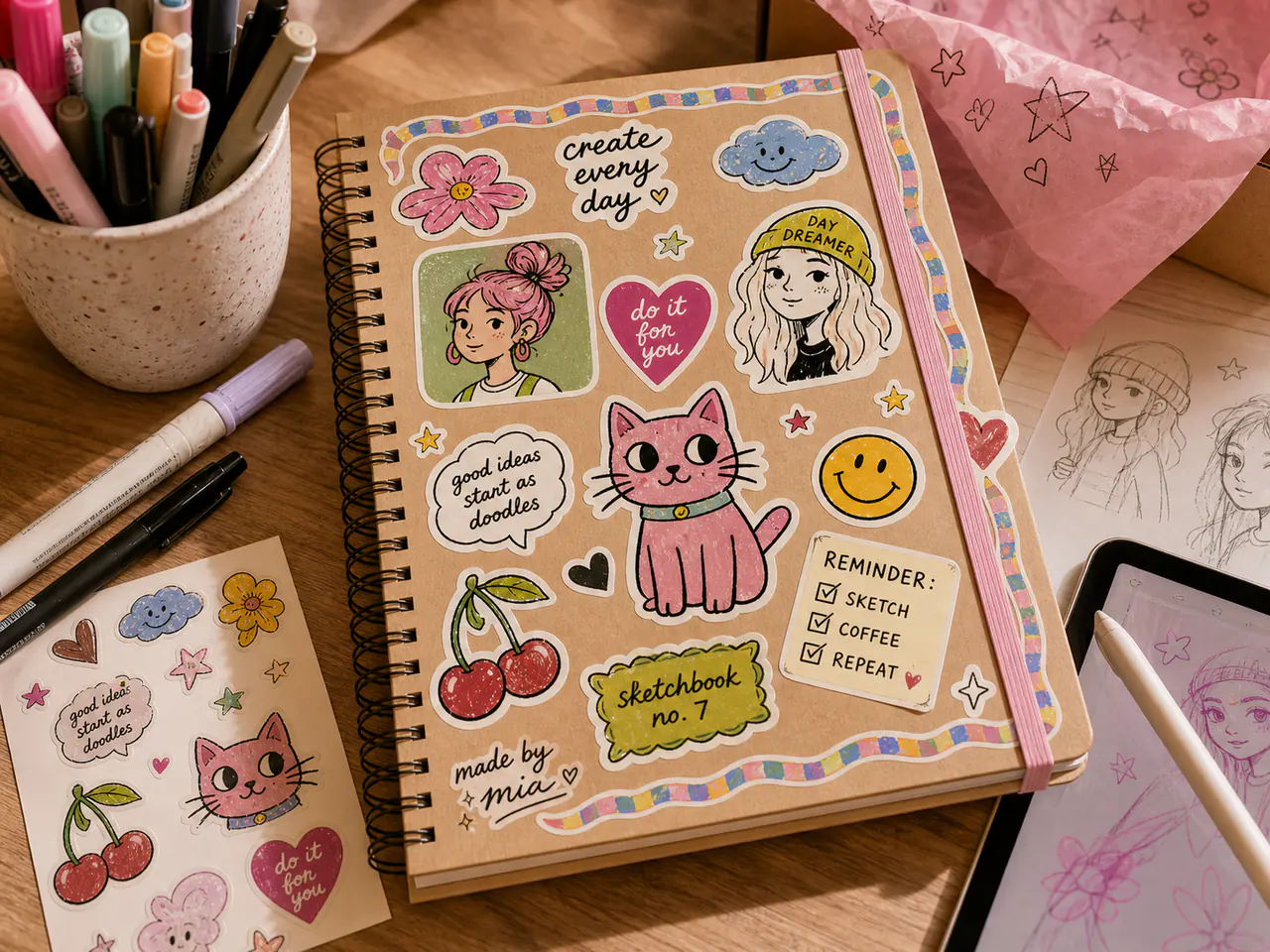
The safe zone is the area inside the cutline where important artwork should stay. For most Stickiva sticker sheets, keep important details at least 2 mm inside the cutline, leave 4 mm between neighbouring stickers, and use a visible border when the artwork edge is pale, detailed, or important.
Keep text, faces, logos, and QR codes at least 2 mm inside the cutline.
Leave at least 4 mm between sticker cutlines on a mixed sheet.
Use a border around photos, pet faces, and detailed artwork.
What the safe zone protects
Cutting machines are precise, but tiny production variation is normal. The safe zone protects anything that would look wrong if it moved slightly closer to the cut edge.
Faces, names, QR codes, small icons, and brand marks should never sit directly on the cutline.
Simple safe-zone rules
A 2 mm safe zone works well for most small and medium custom stickers. Larger decals, very detailed photos, and stickers with fine text can use more space.
For full-bleed edge designs, extend the background beyond the cutline and keep important details inside the safe zone.
| Artwork type | Safe-zone advice | Extra check |
|---|---|---|
| Pet face | Keep eyes and ears inside the safe zone | Use a visible border |
| Text label | Keep letters 2 mm inside | Check at actual print size |
| QR code | Keep code and quiet zone clear | Scan a printed test |
| Logo | Avoid cutting through marks | Use contrast against the border |
| Tiny icon | Simplify detail | Do not shrink below practical peeling size |
Common safe-zone mistakes
The most common mistake is designing at screen size instead of print size. Something that looks comfortably spaced on a laptop can become cramped when printed at 25 or 30 mm.
Another common issue is using transparent or pale artwork edges without a border. The final sticker may be hard to see on white backing or light surfaces.
FAQs
Is the safe zone the same as bleed?
No. Bleed extends artwork beyond the cutline. The safe zone keeps important artwork inside the cutline.
Do QR stickers need a safe zone?
Yes. QR codes need a quiet zone around the code and should be tested at the printed size.
What if my artwork reaches the edge?
Use bleed for background colour, but keep important details away from the cut edge.