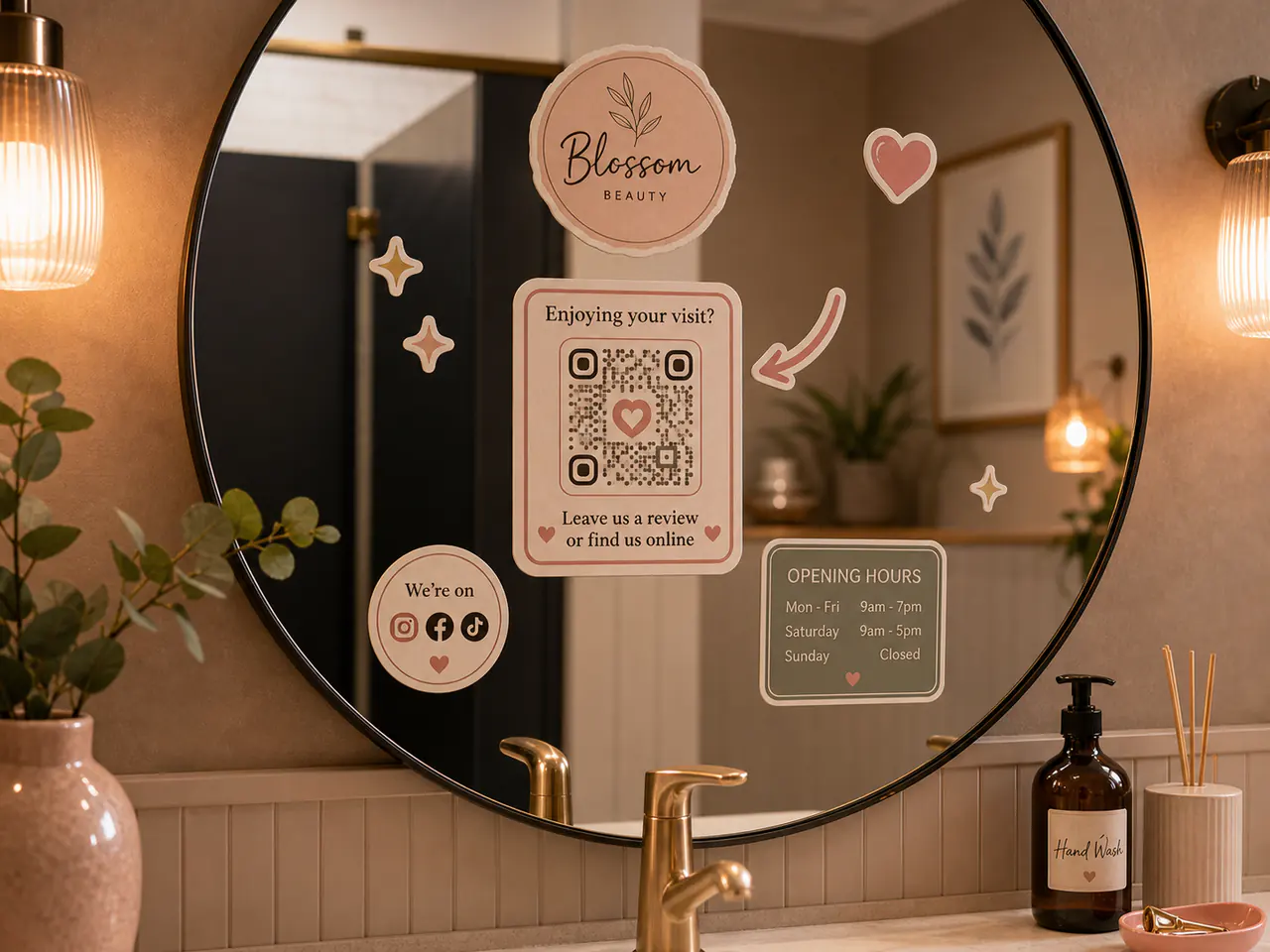
QR code stickers work best when the code is large enough, high contrast, surrounded by a clear quiet zone, and tested after printing. As a starting point, use at least 25 to 35 mm for most QR stickers, avoid busy backgrounds behind the code, and pair the code with short text that explains why to scan it.
Use 25 to 35 mm for most QR stickers, then test the printed result.
Keep clear space around the QR code so phones can read it quickly.
Add a short prompt such as care guide, reorder, menu, or scan for setup.
Good uses for QR stickers
QR stickers are best when they remove friction. They can send customers to care instructions, reorder pages, menus, event details, portfolio links, product setup, or warranty forms.
The code should have a clear job. If customers do not know why to scan it, they usually will not.
- Packaging care guides
- Market-stall menus or price lists
- Portfolio and creator links
- Event maps or RSVP pages
- Reorder pages for repeat customers
QR sticker size and contrast
Small QR codes can work on screen but fail in print. Start around 25 to 35 mm for most packaging or small-business stickers, then test with the final material and finish.
Use strong contrast between the code and background. Avoid placing a QR code over busy photos, gradients, or textured artwork.
| Use case | Starting size | Note |
|---|---|---|
| Small packaging | 25 to 30 mm | Use short URLs and clear quiet zone |
| Care guide label | 30 to 40 mm | Add a short text prompt |
| Window or mirror decal | 50 mm plus | Test from the real viewing distance |
| Event signage sticker | 60 mm plus | Check lighting and glare |
Test before relying on it
Always test the printed QR sticker with more than one phone. Check it under normal lighting, from the expected distance, and after any laminate or finish is applied.
If the code scans slowly, increase size, simplify the URL, increase contrast, or reduce visual clutter around it.
FAQs
What is the best size for QR code stickers?
Start around 25 to 35 mm for most close-range QR stickers, then test the printed code.
Can QR code stickers be colourful?
Yes, but keep strong contrast and avoid colours that make the code hard to scan.
Should a QR sticker include text?
Usually yes. Short text tells people why scanning is useful.